Your phone is the best scanner you have ever owned, and the paperwork you point it at proves the point: contracts, tax letters, medical results, ID copies. That is exactly why the question matters. Is it safe to scan documents with a phone app? The honest answer is that it depends entirely on where the app does its work. The camera is not the risk. The upload is.
Scanning documents with your phone is safe when the app processes everything on the device. It becomes a privacy risk the moment the app uploads your pages to a server for OCR or storage, because from that point on you no longer control who can read them. Check where the processing happens before you trust an app with sensitive paperwork.
What actually happens when you scan with a cloud app
Most popular scanner apps follow the same pipeline. The photo you take is compressed and sent to the company's servers, where their software straightens the page, runs text recognition and stores the result. What comes back to your phone is often just a preview. The original, the extracted text and whatever metadata travelled with it now exist in an archive you cannot see, under a retention policy you have probably never read.
None of that is announced while you scan. The app feels local because the camera is local, and the round trip to the server takes a second or two. The only reliable way to notice is to put the phone in airplane mode and try again: a cloud scanner stops working, or quietly queues your pages for upload the moment the connection returns.
Where the risk actually comes from
The upload you never see
A scanned document is worth more to an attacker than almost anything else on your phone, because it is dense with exactly the details that identity theft needs: full names, addresses, account numbers, signatures, dates of birth. Uploading it to a server does not make a leak certain, but it makes a leak possible, and it hands the decision about how well it is protected to someone else.
The data collected around your scans
The document itself is only part of the picture. Many free scanner apps ship with analytics SDKs and ad networks that record how you use the app, tie that behaviour to an advertising ID, and share it with third parties. You came for a scan of a rental contract and left with a behavioural profile.
The breach that happens downstream
Even a well-run service is a target, and scanned-document archives are unusually attractive ones because the OCR has already been done. A breach does not expose blurry photos, it exposes searchable text. You will not be consulted before it happens and you cannot delete what you did not know was retained.
The scanning itself is harmless: the risk starts when pages leave your phone.
Cloud scanner archives are high-value breach targets because the text is already extracted.
Free scanner apps often monetize through trackers and ad networks, not just subscriptions.
The airplane-mode test is the fastest way to find out where an app really does its work.
How to check whether a scanner app is actually private
You do not need to read source code to vet a scanner app. A few minutes of checking answers most of it:
Run the airplane-mode test. Scan, extract text and search with no connection. If any step fails or stalls, that step happens on a server.
See what it demands before the first scan. An app that requires an account before doing anything is telling you it processes your documents server-side.
Read the store privacy labels. Both app stores now list what data an app collects and whether it is linked to you. A scanner that collects nothing will say so.
Look for tracker disclosures. Analytics SDKs and ad networks in a document scanner are a red flag regardless of where the OCR runs.
The offline alternative
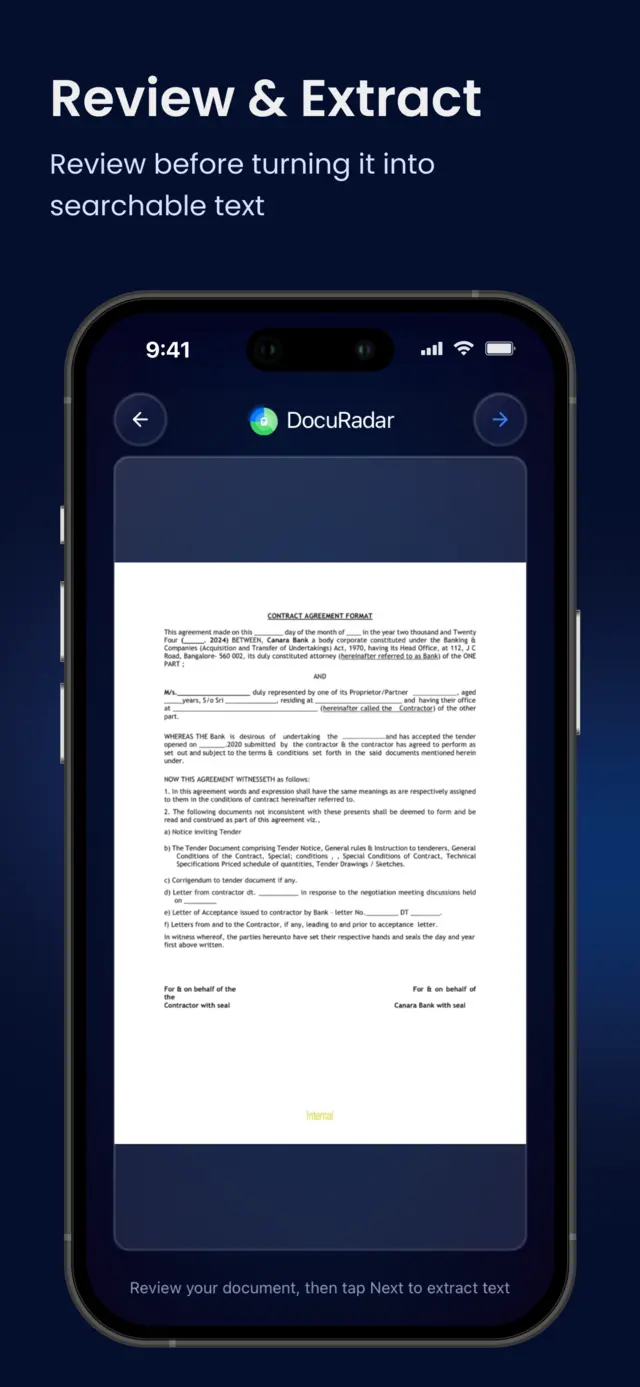
The reason cloud scanning became normal was never your convenience, it was that text recognition used to be too heavy for a phone. That has not been true for years. Modern devices run OCR locally in a fraction of a second, which means an app can capture a page, review it with you, extract the text and index it for search without a single byte leaving the device.
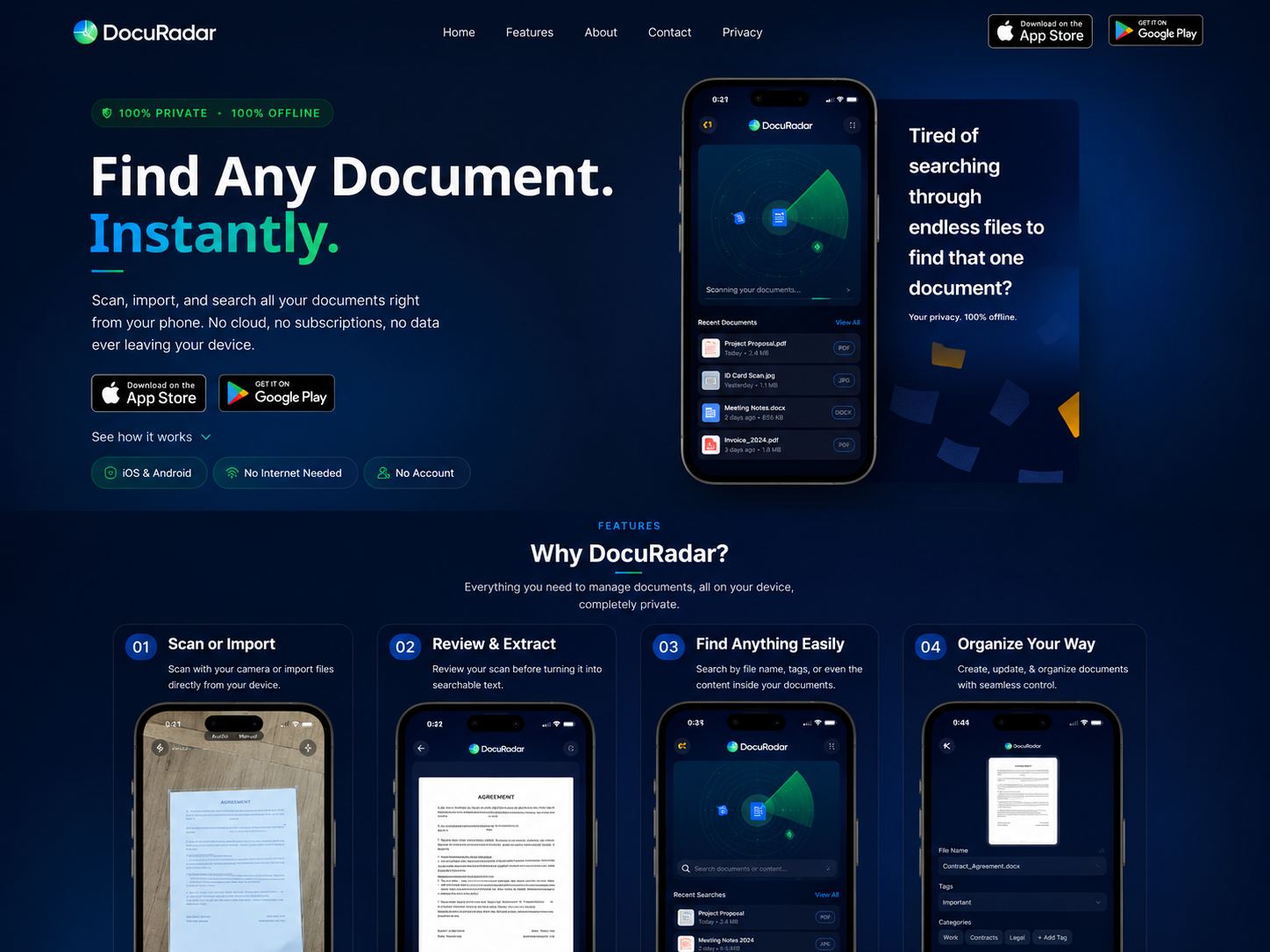
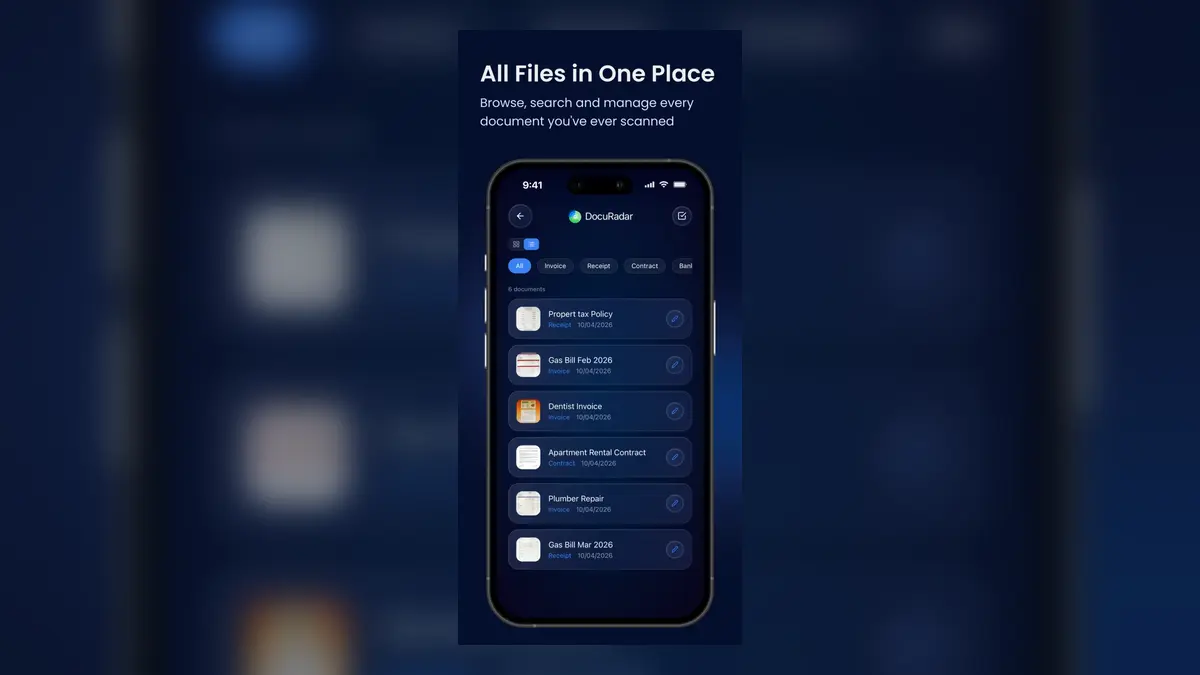
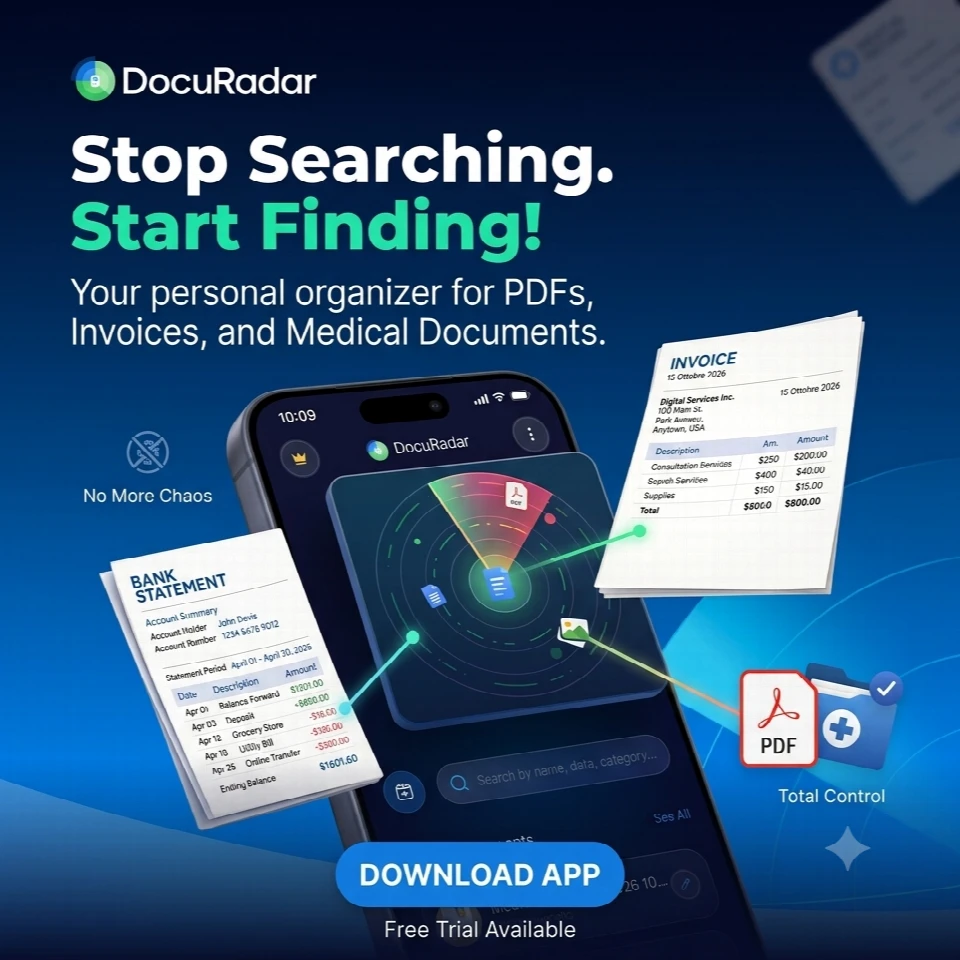
DocuRadar is built on exactly that principle. It works 100% offline on iOS and Android, asks for no account, and contains no analytics SDKs, ad networks or third-party trackers. Your documents are stored on your phone, the OCR runs on your phone, and search is answered from a local index. The safety question stops being about trust, because there is nothing to trust anyone with.


Frequently asked questions
Only with an app that processes everything on the device. Identity documents are the worst possible thing to upload to a server you do not control. With an offline scanner the copy never leaves your phone, so it is as safe as the phone itself.
Put the phone in airplane mode and try a full scan, including text extraction and search. If the app needs a connection for any of those steps, that work happens on a server. Requiring an account before the first scan is another strong signal.
Some are, but free cloud scanners have to pay for their servers somehow, and that often means ads, trackers or upsells built around your usage. Check the store privacy labels to see what a free app collects before giving it sensitive paperwork.
No. Scanning, OCR and search all run on your device, and the app works with no internet connection at all. DocuRadar does not collect, store or transmit personal data, and it contains no third-party trackers.
Export your documents from the service, delete them there, and ask the provider to erase your account data. Then re-import the files into an offline scanner so the searchable archive you keep going forward lives only on your device.
Your phone can be the safest scanner you have ever used or the leakiest, and the difference is a single architectural choice made by the app you install. Pick one that does its work where your documents already are: in your hand.