How to Organize Important Documents Digitally
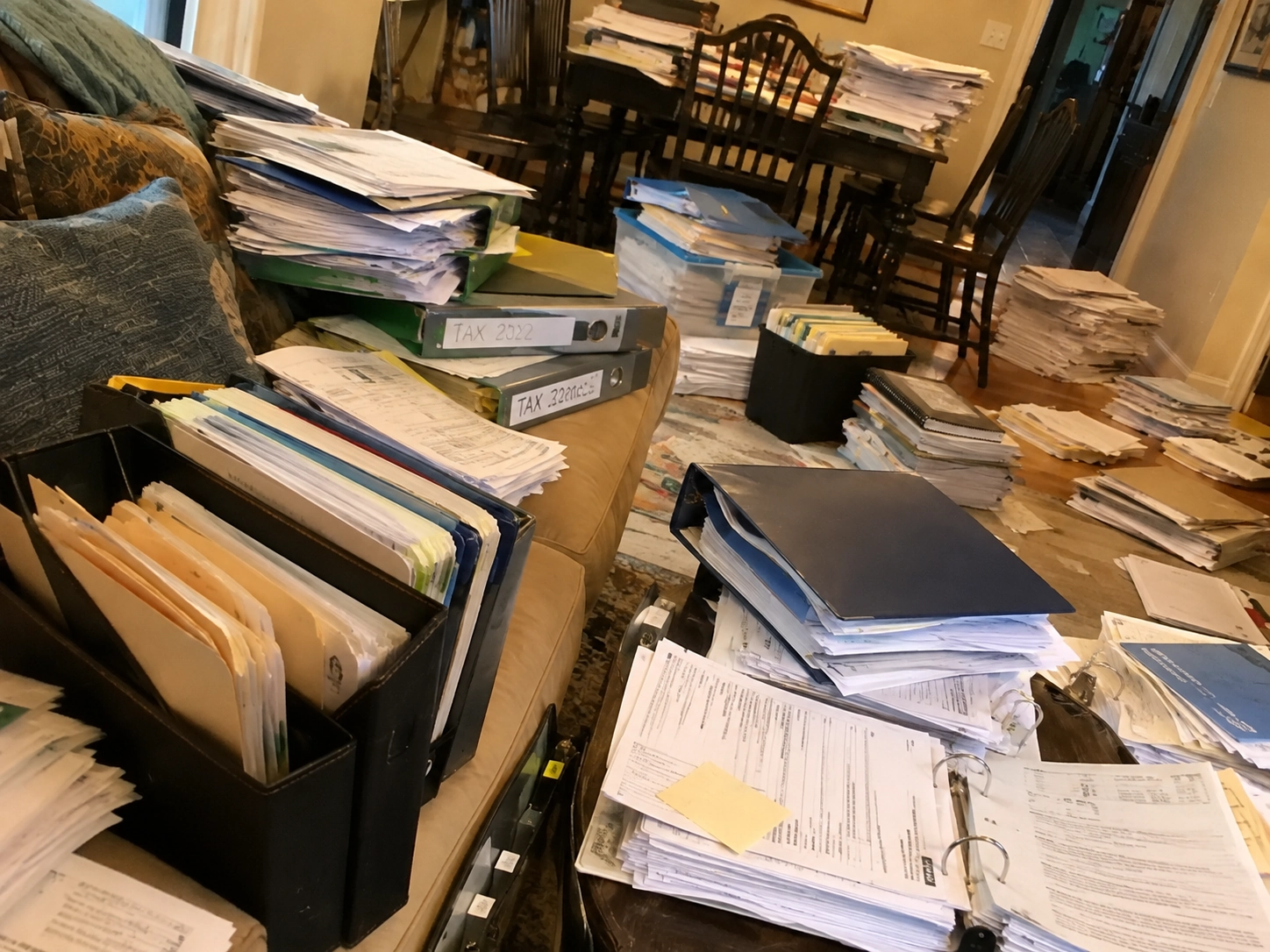
Most people do not have a document storage problem. They have a document organization problem.
Important information is everywhere. A bank statement arrives by email. A medical report is sent as an attachment. An invoice comes through a messaging app. A warranty is printed on paper. A passport is photographed and disappears among thousands of images in a phone gallery. A contract is downloaded once, saved somewhere, and forgotten.
The result is familiar: you know you have a document, but you cannot find it when you actually need it.
A good digital document organization system solves more than storage. It creates a reliable way to capture documents, understand what they are, group them logically, search them later, protect sensitive information, and remember important dates associated with them.
Here is how to build one.
Start With the Documents That Actually Matter
The first mistake people make when trying to organize documents digitally is assuming they need to scan everything they own.
You do not.
If you have accumulated ten or twenty years of paperwork, attempting to digitize every sheet in a single weekend is likely to turn document organization into an exhausting project.
Start with high-value documents instead.
These may include identification documents, medical records, insurance policies, important invoices, warranties, vehicle records, home-maintenance documents, financial paperwork, contracts, certificates, and documents containing future deadlines.
Think about the documents you would be annoyed, worried, or inconvenienced to lose.
Those should come first.
You can gradually expand your digital archive over time.
Create Categories That Match Your Life
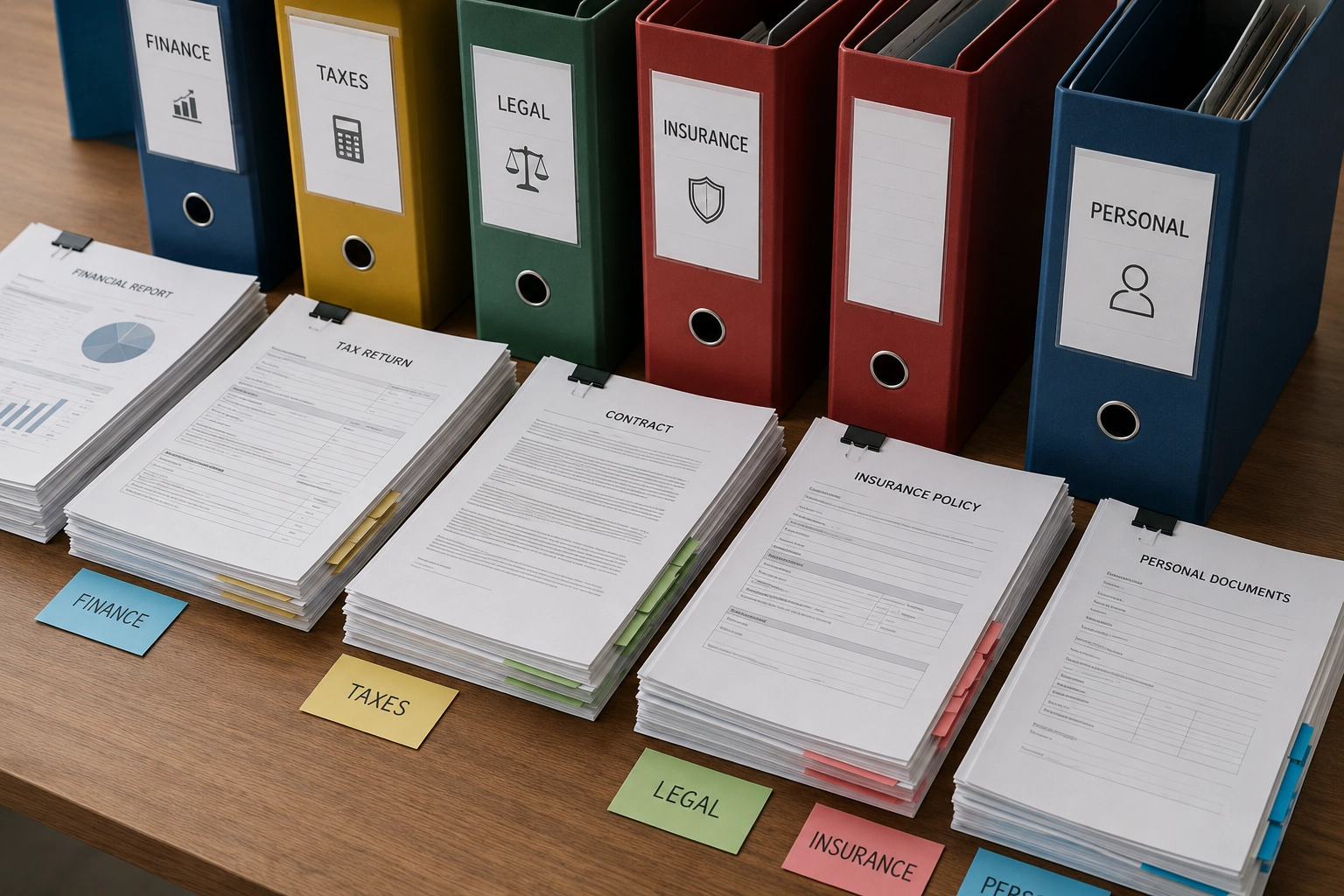
The best filing system is not necessarily the most detailed one. It is the one you will still understand six months from now.
A practical personal archive might include categories such as Health, Identity, Finance, Home, Vehicle, Insurance, Work, Contracts, Receipts and Warranties.
Avoid creating dozens of extremely specific categories unless you genuinely need them.
If every document requires a minute of thought before you can decide where it belongs, your filing system is probably too complicated.
The goal is to reduce cognitive effort.
A medical report should obviously belong to Health. A mechanic invoice should clearly belong to Vehicle. A plumber’s invoice can belong to Home.
Simple systems are easier to maintain.
Use Meaningful File Names
A file called IMG_492827.jpg may be perfectly valid from the phone’s perspective, but it is almost useless from a human perspective.
If you see that filename two years from now, you will probably have no idea what it contains.
Meaningful file names make browsing and searching dramatically easier.
A practical naming structure might include the type of document, relevant person or organization, subject, and year.
For example:
Mechanic Invoice - Ford - 2026
Medical Report - Dr Anderson - 2026
Home Insurance - 2026
Bank Statement - March 2026
You do not necessarily need every element in every title. The purpose is simply to make the document understandable before you open it.
Applications such as DocuRadar are designed to reduce this manual work by analyzing imported or scanned documents and proposing names related to their contents.


Make Documents Searchable
Folders are useful, but search becomes increasingly important as your archive grows.
Imagine having 20 documents. Browsing manually is easy.
Now imagine having 500.
At that point, you may remember the document but not its filename or category.
This is why document search should reflect the way people naturally remember information.
You might not remember that a dental invoice was saved as Dental_Invoice_2026.pdf. You may remember the dentist’s name, the clinic, a treatment, or a word that appeared in the document.
A searchable archive gives you another route to the information.
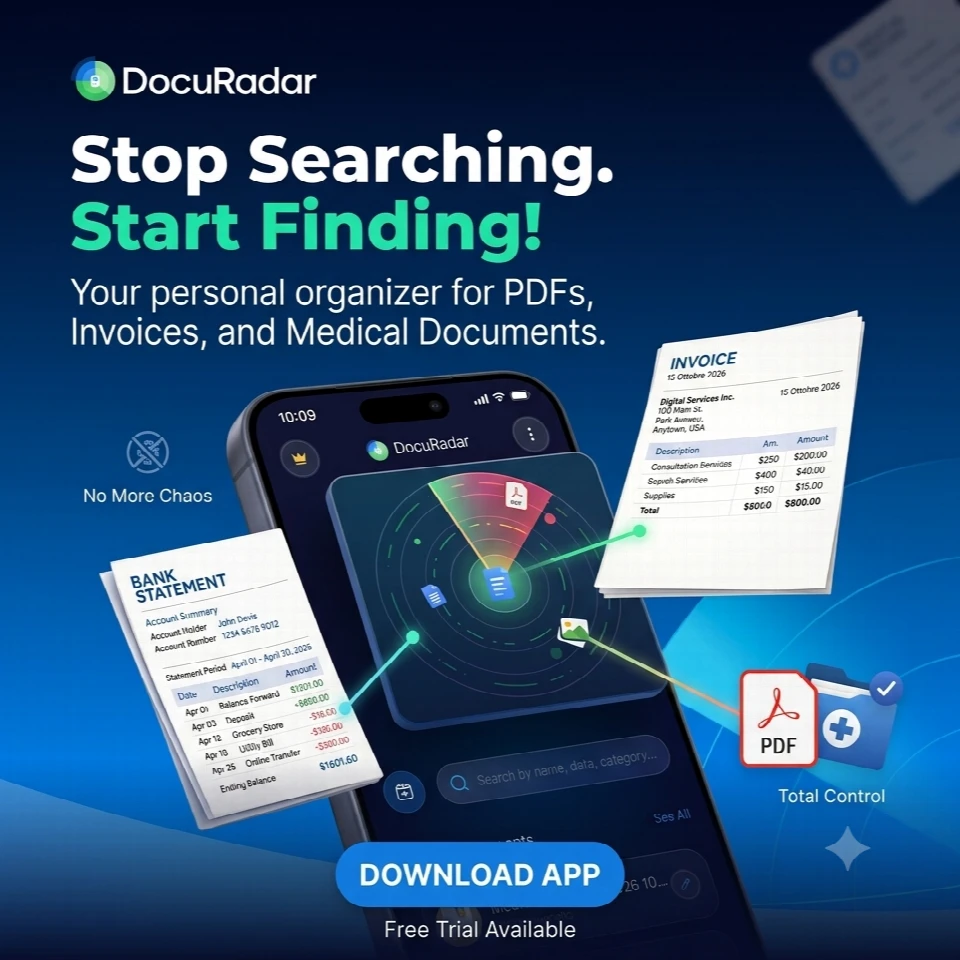
DocuRadar is built around this idea: rather than depending only on filenames, users can search using terms they remember from the document.
That makes the archive useful even when your memory is incomplete.
Scan Physical Documents Properly
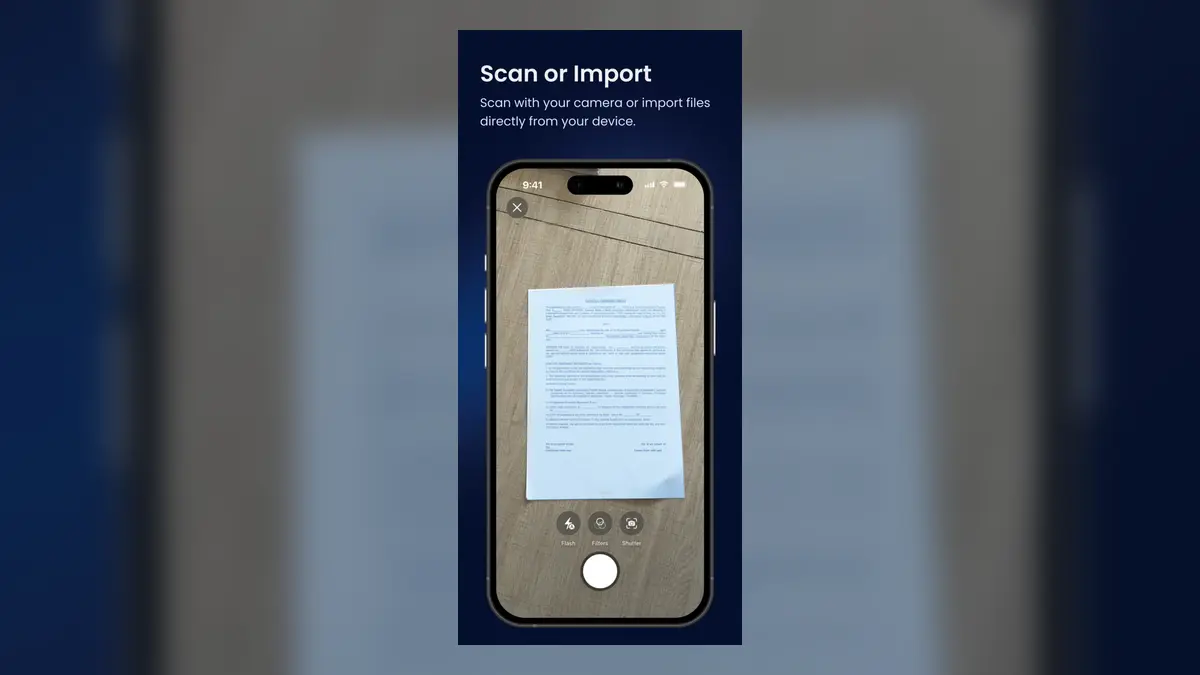
Paper is still part of everyday life, so an effective digital filing system needs a way to bring physical documents into the archive.
A smartphone is enough for many everyday scanning tasks.
Place the document on a flat, contrasting surface. Use good, even lighting. Avoid reflections and strong shadows. Keep the phone parallel to the document where possible.
If a document contains several pages, scan the entire set rather than saving unrelated photographs.
A multi-page contract should remain one logical document.
The same applies to front-and-back identification documents or certificates.
The objective is not simply to photograph paper. It is to create a readable digital record that remains useful later.
Do Not Turn Your Photo Gallery Into a Filing Cabinet
Taking a photograph of a document is better than having no copy at all, but a photo gallery is usually a poor long-term document archive.
Your gallery may also contain holidays, pets, meals, screenshots, memes, family photographs, product photos, and thousands of unrelated images.
Six months later, a photograph of a passport or invoice can become surprisingly difficult to find.
A dedicated document archive creates context around the file.
It can provide a meaningful name, category, searchable information, security, and potentially reminders.
The difference is simple: a gallery stores an image; a document-management system helps you use the information later.
Pay Attention to Important Dates
Some of the most valuable information in a document is not relevant when you save it. It becomes important months or years later.
Examples include expiration dates, renewals, future inspections, payments, appointments, maintenance deadlines, and contract dates.
A strong document system should therefore help you connect storage with future action.
DocuRadar is designed to identify potentially relevant dates within documents and let the user decide whether to create a reminder.
That means an identity document can become more than a stored scan. It can also help you remember that renewal is approaching.
The same idea applies to vehicle inspections, contracts, home-maintenance documents, and other records containing future obligations.
Protect Sensitive Information
Not every file deserves the same level of protection.
A restaurant menu and a passport are both documents, but they do not have the same privacy requirements.
Your archive may contain medical information, financial details, signatures, addresses, identification numbers, and confidential agreements.
Use device security and, where available, additional application-level authentication such as biometric protection or a PIN.
Also understand where your files are actually stored.
Some people prefer a local-first approach in which documents remain on the device. Others want the resilience of a cloud backup in case the device is lost.
The right choice depends on your priorities.
DocuRadar is designed around local document storage for its core workflow, while its product concept also includes an optional backup route for users who want additional recovery protection.
Build a Habit, Not a One-Time Project
The best digital archive is not created in one day.
It develops through a simple habit.
Whenever an important document enters your life, decide immediately whether it belongs in your archive.
If yes, capture or import it.
Check that it has a useful name.
Place it in the right category.
Add a reminder if there is an important future date.
Then move on.
This takes far less time than attempting to reorganize hundreds of documents several years later.
Review Your Archive Occasionally
A digital archive should not become another place where information accumulates forever without review.
Occasionally browse your categories.
Look for duplicates, irrelevant files, unclear names, and documents that no longer need your attention.
The aim is not necessarily to delete aggressively. It is to maintain an archive that remains understandable.
You may also discover useful patterns.
A Vehicle category can become a history of repairs and maintenance. A Home category can document years of improvements. A Health category can help you access earlier reports when speaking to a professional.
Organization creates value beyond simply finding one file.
The Goal Is Retrieval, Not Perfection
It is easy to become obsessed with designing the perfect filing structure.
Do not.
The most important question is simple:
Can you find the document when you need it?
A successful digital document system should reduce the amount of information you need to remember.
You should not have to know where a file came from, which application originally contained it, or exactly what you named it years ago.
The system should help you get from “I remember something about this document” to the document itself as quickly as possible.
That is the philosophy behind DocuRadar.
The objective is not to create another complicated productivity system. It is to make important documents easier to capture, organize, find, protect, and use.
Start small.
Choose five documents that matter to you.
Digitize them.
Organize them.
Make them searchable.
Then build from there.
Over time, what begins as a small digital folder can become a practical personal archive that saves time every time life asks you for a document you thought you had lost.
Start with the documents that matter most, such as identification documents, medical records, insurance policies, contracts, warranties, financial paperwork, vehicle records, and documents with important deadlines. Organize them into a small number of clear categories, give them meaningful names, and make sure they are easy to search later.
No. Trying to scan years of paperwork at once can quickly become overwhelming. A better approach is to start with a few high-value documents and gradually expand your digital archive over time.
Prioritize documents that would be difficult, stressful, or inconvenient to lose. These might include passports and identification documents, medical records, insurance policies, important invoices, warranties, contracts, certificates, vehicle documents, and records containing expiration dates or other future deadlines.
Use categories that reflect your everyday life and are easy to understand. For example:
Health
Identity
Finance
Home
Vehicle
Insurance
Work
Contracts
Receipts
Warranties
The goal is not to create the most detailed filing system possible. It is to create one that remains easy to use months or years later.
Keep your system relatively simple. If you need to think for a long time about where every document belongs, you probably have too many categories. A good system should make filing a document almost automatic.
Names such as IMG_492827.jpg or scan001.pdf tell you almost nothing about the document. Descriptive names make documents easier to recognize, browse, and search without opening every file.
For example:
Mechanic Invoice - Ford - 2026
Medical Report - Dr Anderson - 2026
Home Insurance - 2026
Bank Statement - March 2026
Yes. DocuRadar is designed to analyze imported or scanned documents and propose names related to their contents, reducing the amount of manual organization required.
That is exactly why search is so important. People often remember something about a document without remembering its exact filename or category.
For example, you may not remember the name of a dental invoice, but you might remember the dentist, clinic, treatment, or a word that appeared inside it.
DocuRadar is built around this idea, allowing users to search using terms they remember from the document rather than relying only on filenames.
Browsing folders works well when you have 20 documents. It becomes much less practical when you have hundreds.
A searchable archive gives you another way to find information, even when you cannot remember exactly where a document was stored or what it was called.
Yes. A smartphone is sufficient for many everyday document-scanning needs. For better results, place the document on a flat surface, use even lighting, avoid reflections and shadows, and keep your phone as parallel to the page as possible.
Keep related pages together as one logical document. A multi-page contract, a certificate with several pages, or the front and back of an identification document should not become a collection of unrelated images.
A photo gallery is designed primarily for images, not document management. Important document photos can easily become buried among screenshots, holidays, pets, family photos, memes, and thousands of other images.
A dedicated document archive can give each file a meaningful name, category, searchable information, appropriate protection, and potentially reminders.
A photo gallery stores an image. A document-management system helps you use the information contained in that image later.
The difference becomes especially important when you need to find an important document months or years after saving it.
DocuRadar is designed to identify potentially relevant dates within documents and allow the user to decide whether to create a reminder.
These dates might include expirations, renewals, inspections, appointments, payments, maintenance deadlines, or contract dates.
Many documents become important again long after you first save them. A passport expiration date, vehicle inspection, insurance renewal, contract deadline, or maintenance date may not require action today, but it could matter months from now.
Connecting a document with a reminder can turn a passive archive into something more useful.
DocuRadar is designed to identify potentially relevant dates and let the user decide whether a reminder should be created. This keeps the user in control of which dates actually require future action.
Use the security features available on your device and, where available, additional application-level protection such as biometric authentication or a PIN.
Documents such as passports, medical records, financial information, signatures, addresses, and confidential agreements should be treated differently from ordinary files.
DocuRadar is designed around a local-first document-storage approach for its core workflow, meaning document management is centered on storage on the user's device.
Its product concept also includes an optional backup route for users who want additional recovery protection.
It depends on your priorities. Some people prefer keeping documents locally on their device, while others value cloud backup because it can provide additional recovery options if a device is lost or damaged.
The important thing is to understand where your documents are stored and choose an approach that matches your privacy and backup needs.
Make document organization a habit rather than a one-time project.
Whenever an important document enters your life:
Capture or import it.
Give it a useful name.
Place it in the appropriate category.
Add a reminder if it contains an important future date.
This is much easier than reorganizing hundreds of documents years later.
Review it occasionally to identify duplicates, unclear filenames, irrelevant files, or documents that no longer require your attention.
The objective is not necessarily to delete as much as possible, but to keep your archive understandable and useful.
Yes. Over time, categories can become useful records of different areas of your life.
For example, your Vehicle category can provide a history of repairs and maintenance, your Home category can document improvements and work completed over the years, and your Health category can make previous reports easier to access when you need them.
No. The goal of document organization is retrieval, not perfection.
The most important question is: Can you find the document when you need it?
A useful system should reduce how much you need to remember about where a file came from, which app originally contained it, or what you called it years ago.
DocuRadar is designed around a common problem: people often know they have an important document but cannot remember where it is.
Its goal is to make important documents easier to capture, organize, search, protect, and use, without turning document management into another complicated productivity system.
Start small. Choose five documents that matter to you, digitize or import them, organize them, and make them searchable.
From there, you can gradually build a practical personal archive that becomes more useful every time you need to retrieve an important document.