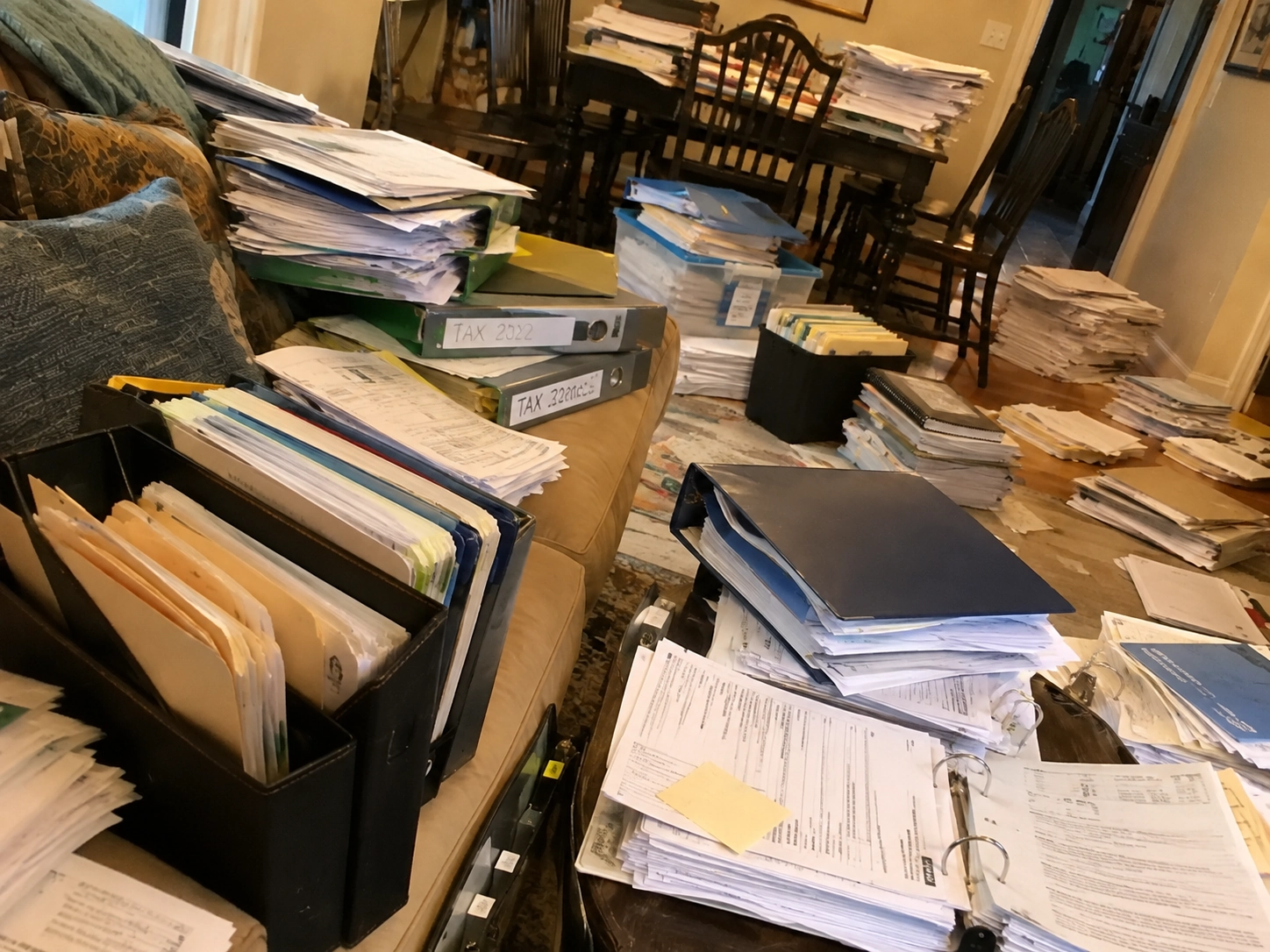
Scanning documents is the easy part. Two months later, finding the one page you need in a pile of two hundred scans is where most systems quietly fall apart. The fix is not more discipline or a deeper folder tree. It is a lighter structure that leans on search. Here is a simple, durable way to organize scanned documents so that anything is findable in seconds.
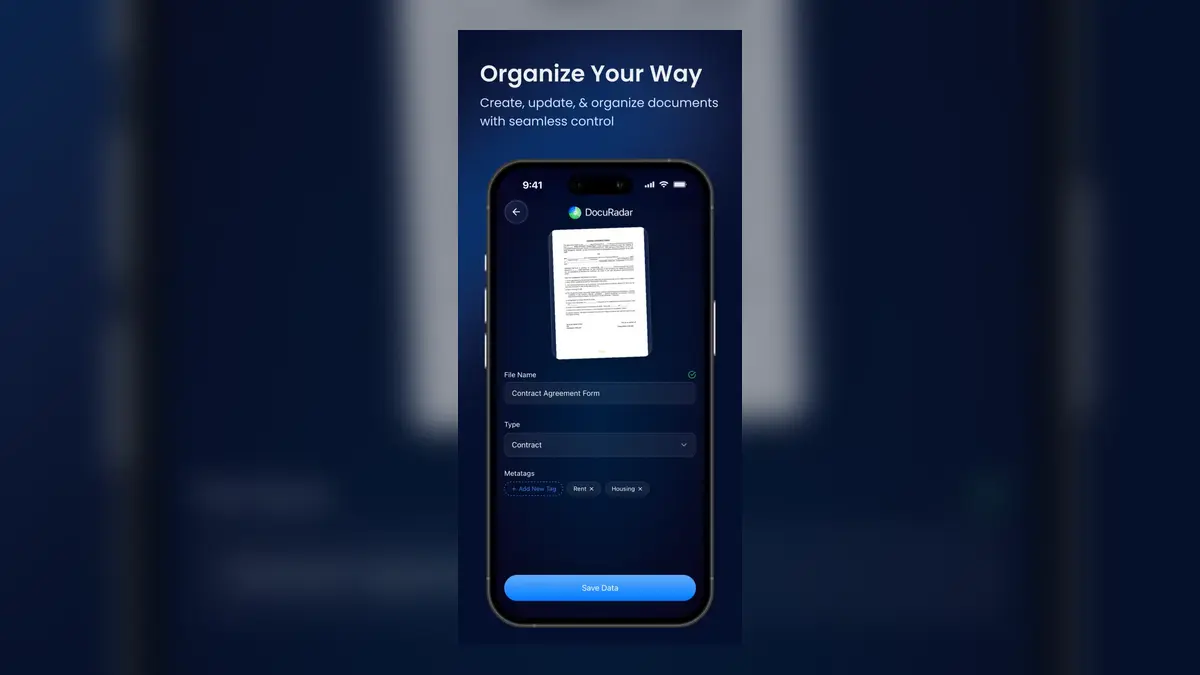
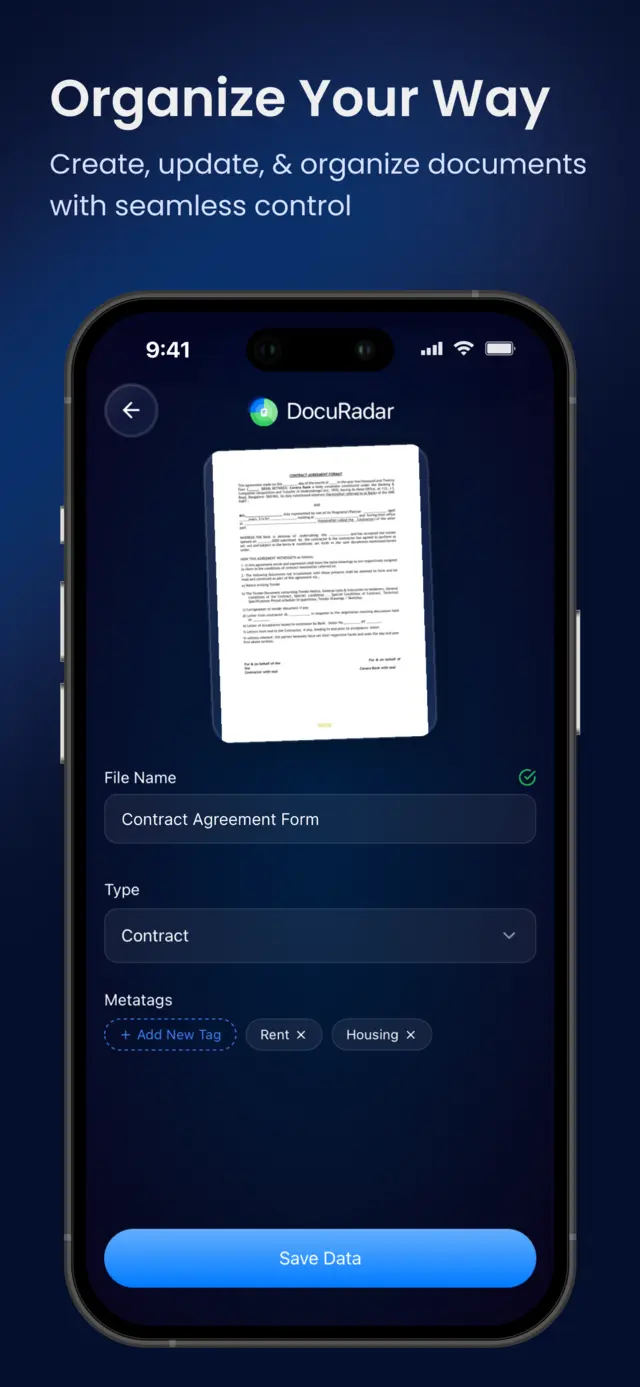
Give every scanned document a clear name, one broad type such as Contract or Receipt, and a few tags that describe context. Then let full-text search do the rest, because on-device OCR already knows every word inside every page. Three light layers beat any folder tree you would actually have to maintain.
Why folder trees fail for scanned documents
Folders force every document into exactly one place, and scanned paperwork refuses to live in one place. Is a car insurance invoice filed under Car, Insurance or Finance? Whatever you decide today, you will decide differently in six months, and then the archive has two competing systems. Deep hierarchies also make filing expensive: every scan becomes a small decision, and when filing is expensive, it stops happening. The pile of unsorted scans at the root of the tree is the predictable result.
Folders made sense when search was unreliable and could only see file names. Once the full text of every page is indexed, the hierarchy is doing almost nothing that a two-word query cannot do faster.
The three-layer system: name, type, tags
Instead of one rigid hierarchy, use three light layers that each answer a different question.
A name that says what it is
The file name answers: what is this document? Skip the scanner default of a timestamp and write the obvious human label, such as Rental Contract 2026 or Dentist Invoice March. You are not building a naming convention, you are leaving a note for your future self. If the name is what you would say out loud when describing the document, it is right.
One type for the big bucket
The type answers: what kind of document is this? Keep the list short and boring: Contract, Invoice, Receipt, ID, Medical, Tax. A handful of types you never have to think about is worth more than fifty precise categories you have to remember. If you regularly hesitate between two types, merge them.
Tags for everything that cuts across
Tags answer: what is this document about? This is where the folder problem dissolves, because a document can carry as many tags as it needs. That car insurance invoice simply gets both tags, car and insurance, and shows up in either search. Tag broadly with the words you would naturally search for, and do not aim for a complete taxonomy. Two or three tags per document is plenty.
Folders force one location per document; tags let a document belong everywhere it is relevant.
Keep types few and obvious, and let tags carry the nuance.
Name documents the way you would describe them out loud.
Full-text search from OCR is the real filing system; the layers just sharpen it.
Let search do the filing
The reason this system can stay so light is that it sits on top of on-device OCR. Every page you scan is converted to searchable text the moment you capture it, so the words printed inside the document are already an index you did not have to build. Searching for a policy number, a company name or the word deductible finds the right page even if you never named or tagged it well. In DocuRadar, one search box covers all three layers at once: file names, tags and the full text of every document, and because the index lives on your device it works instantly and offline.
This is also the reason not to over-invest in structure. Names, types and tags are there to make browsing pleasant and to rescue the searches where the printed text is unhelpful, like a scan of a handwritten note. Everything else, the OCR already handles.
A routine that takes five minutes a week
Capture everything, immediately. Scan paper the day it arrives and import PDFs as they show up. Do not sort anything at capture time; the point is that nothing stays paper.
Label in one weekly pass. Once a week, go through the new scans and give each one its name, type and a couple of tags. Batching the labelling turns twenty small decisions into one five-minute session.
Retrieve by search, not by browsing. When you need a document, type a word from it. Only fall back to browsing types and tags when you are not sure what you are looking for.


Frequently asked questions
Two or three is usually enough. Use the words you would naturally type when looking for it later. If you find yourself adding five or more tags, most of them are probably restating what the name, the type or the document text already says.
Pick tags. Running both systems means filing every document twice and trusting neither. A short list of types covers the one genuinely useful thing folders did, which is separating the big buckets like contracts, receipts and medical papers.
Yes. DocuRadar runs OCR on the device when you scan or import a page, so every word inside the document becomes searchable alongside its file name and tags, with no upload and no account.
Do not try to fix the backlog in one sitting. Label new documents properly from today, and rely on full-text search to dig into the old pile. Rename and tag an old scan only at the moment you actually retrieve it, and the backlog cleans itself up where it matters.
No. In DocuRadar the documents, the tags and the search index all live on your phone, so organizing and finding documents works fully offline, in airplane mode included.
A good organizing system is the one you are still using in a year. Keep the structure light, let on-device search carry the weight, and the archive stays findable no matter how big it grows.