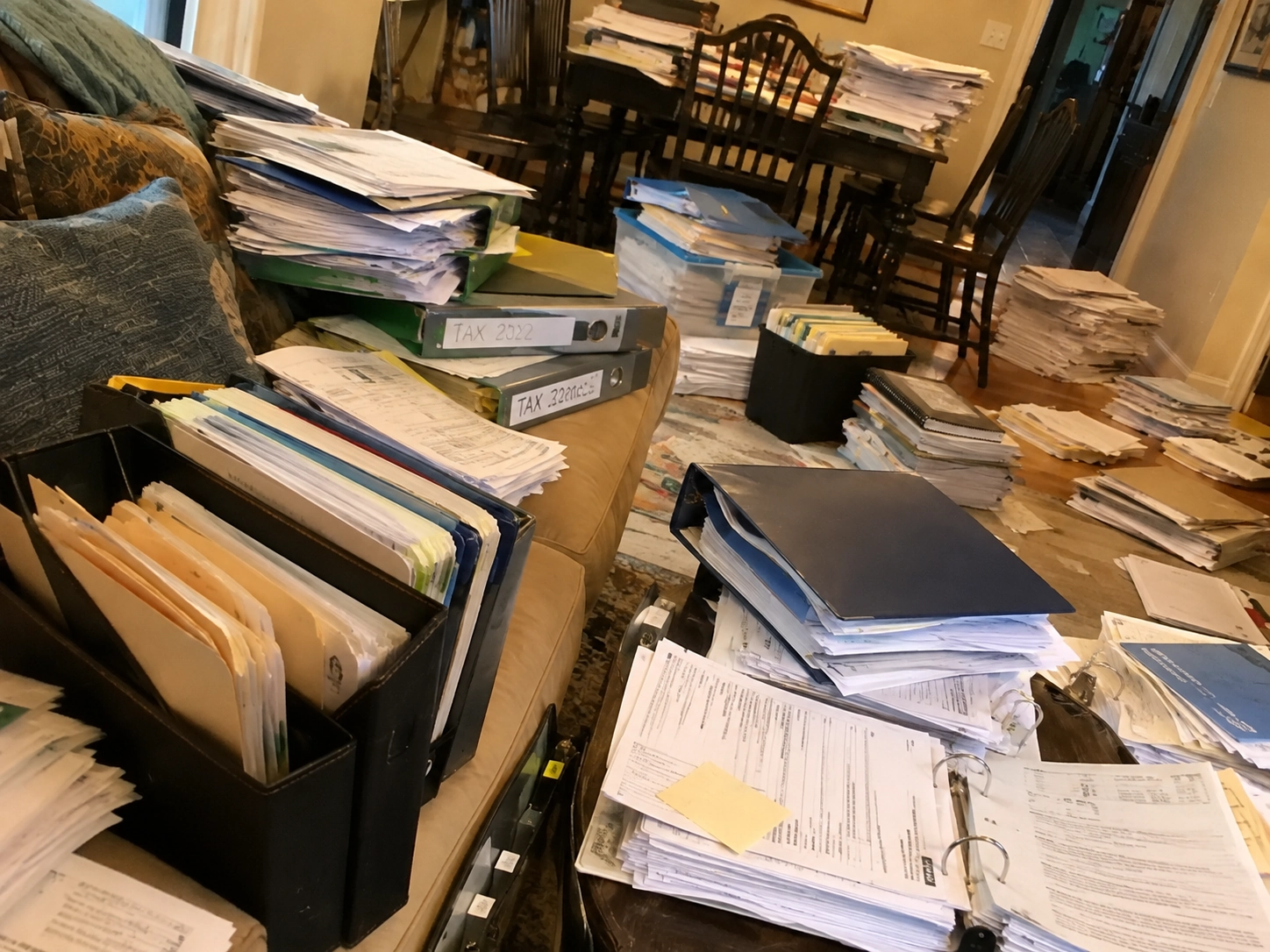
Somewhere in your home is the drawer. Warranties, tax letters, contracts, receipts you kept just in case, all folded into a pile that grows faster than it is ever read. You do not need a scanner, a shredder subscription or a weekend to fix it. If you want to digitize paper documents, the phone in your pocket is the entire toolkit, and an afternoon is enough for a serious dent.
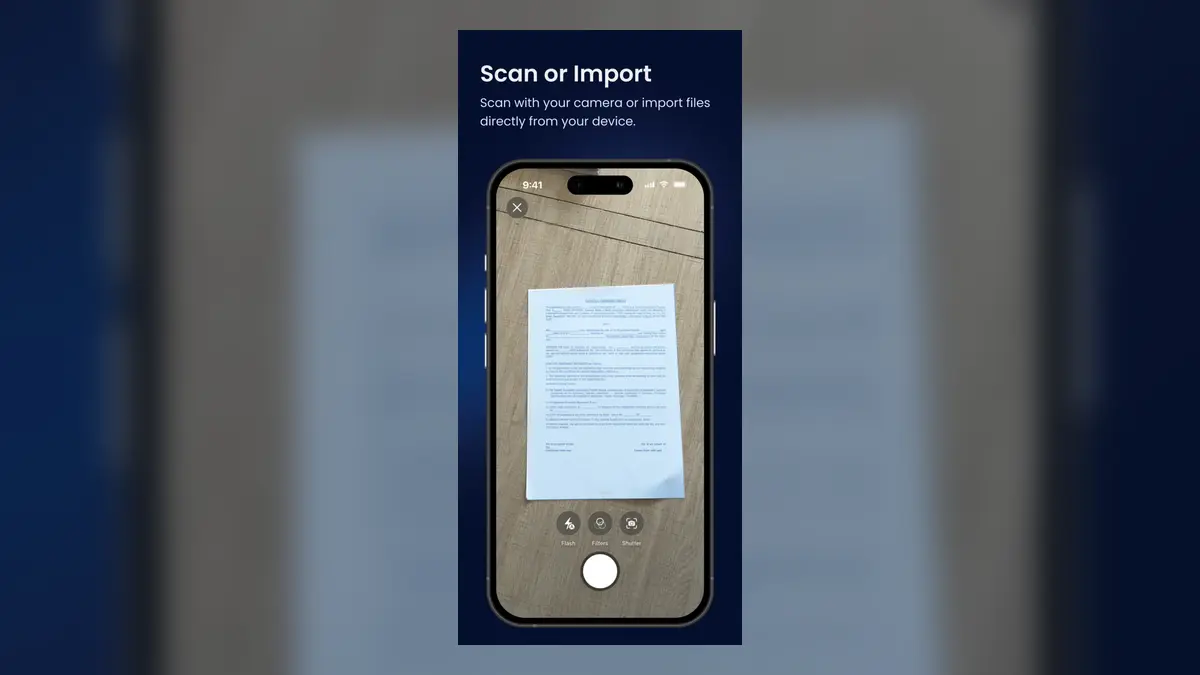
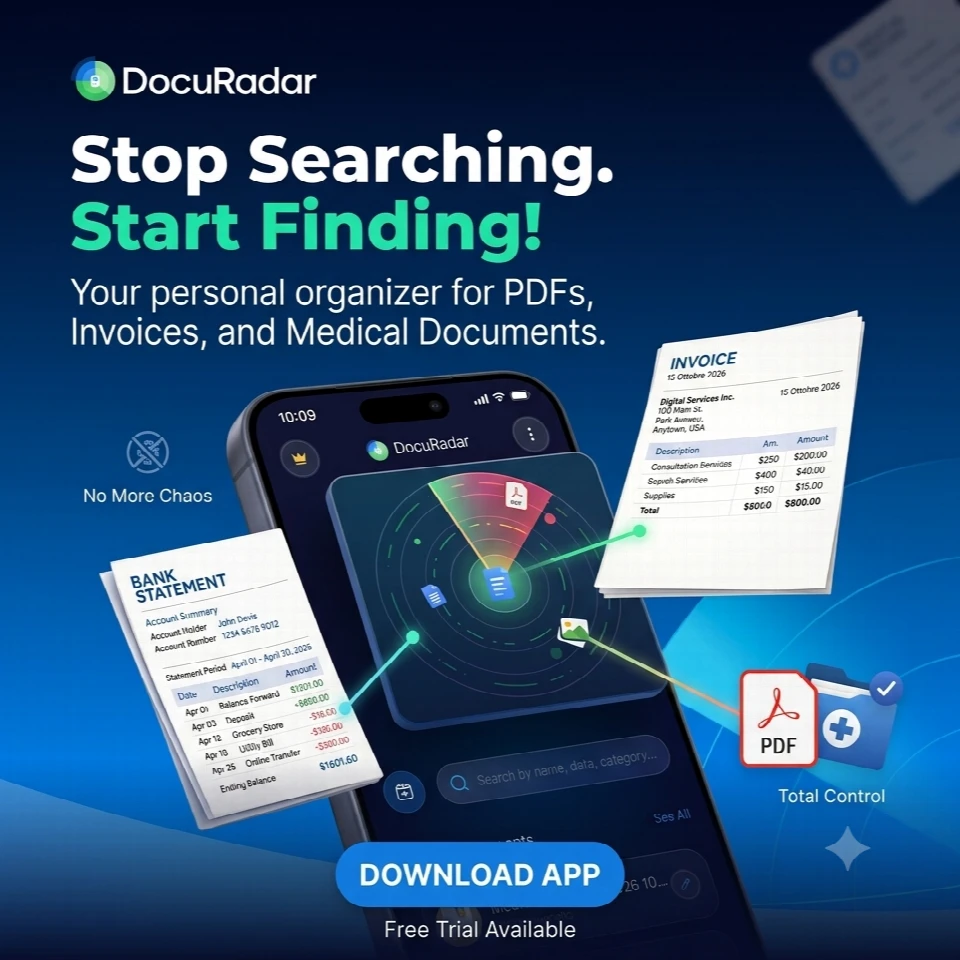
Point your phone camera at each page, let the app crop and straighten it, and let on-device OCR turn it into searchable text. With an offline scanner like DocuRadar there is no account to create and no upload involved: the paper becomes a private, searchable archive that lives entirely on your phone.
What you need: just the phone
Flatbed scanners still exist, but for home paperwork they solve a problem you no longer have. A modern phone camera captures more detail than a page needs, and the software does the rest: edge detection finds the page, perspective correction flattens it, and text recognition reads it. The only meaningful choice left is which app runs that pipeline, and the deciding question is where it runs. An offline scanner does everything on the device, so nothing about your paperwork depends on a server, an account or a signal.
Documents that are already digital count too. PDFs from email attachments and photos of pages taken months ago can be imported straight into the same archive, so the drawer and the downloads folder end up in one searchable place.
Step by step: from paper pile to searchable archive
Sort the pile once, roughly. Make three stacks: documents you must keep on paper, papers worth digitizing, and junk. Do not organize beyond that; the goal is only to know what goes through the camera.
Scan in batches. Work through one stack at a time, one page after another. Capture with the camera, or import the PDFs and photos you already have. Twenty pages takes a few minutes once you find the rhythm.
Review and extract. Glance at each scan, fix a crooked crop if needed, then let the on-device OCR extract the text. This is the step that turns a photo into something you can actually find again.
Name and tag as you go. Give each document an obvious name, a type such as Contract or Receipt, and a tag or two. Ten seconds now saves a search headache later.
Test the archive. Search for a word you know is printed inside one of the scans, not in its title. When it comes up instantly, the system works and the paper has officially been replaced.
Getting a clean scan every time
OCR accuracy depends far more on the photo than on the software, and three habits cover almost all of it:
Use flat, even light. Daylight from a window beats a ceiling lamp shining straight down, and moving the page away from your own shadow costs nothing.
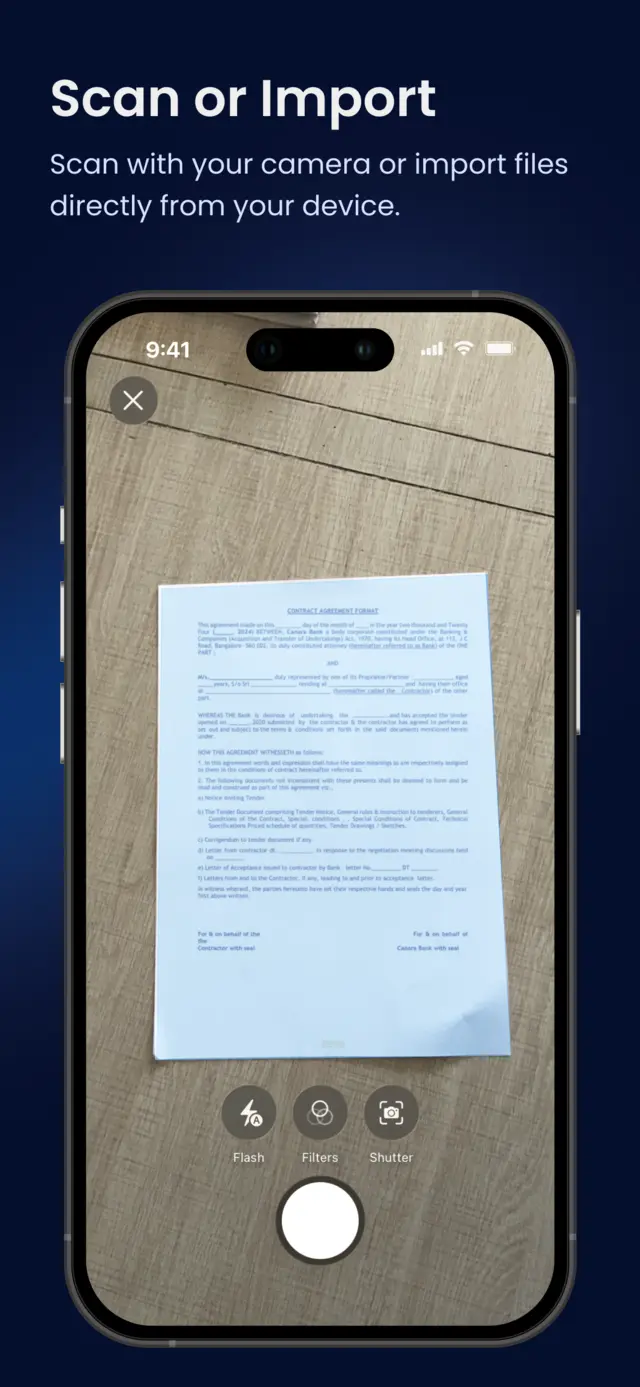
Shoot straight down on a contrasting surface. A white page on a dark table lets edge detection lock on instantly, and a square-on angle keeps small print sharp after correction.
Hold still and check the first scan. A half-second pause before the shutter removes most blur. Read one line of the first extraction; if it is clean, the rest of the batch will be too.
A phone camera plus on-device OCR replaces a flatbed scanner for household paperwork.
Batch the scanning and keep the labelling to seconds per page, or the project stalls.
Lighting and a steady, square-on shot matter more for accuracy than any setting.
Keep the small set of documents that must legally stay on paper, and digitize those too as backup copies.
What to do with the paper afterwards
A few documents are worth keeping in their original form even after scanning: identity documents, notarized papers, and anything a court or an authority might want to see as an original. Keep that stack small and give it one physical home. Everything else has just become redundant, and this is where digitizing pays off twice. The scan is now the easy-to-find copy, and the paper can be recycled or, for anything with personal details on it, shredded. The drawer stops being an archive and goes back to being a drawer.
From then on the habit is simple: paper gets scanned the day it arrives, and nothing accumulates. A pile that took years to build never comes back.


Frequently asked questions
No. A phone camera captures more than enough detail for documents, and the app handles cropping, straightening and text extraction. A flatbed scanner only earns its desk space for high-volume office work or photo archiving.
Plan on roughly a minute per document including naming and tagging, so a hundred documents is an afternoon with breaks. The rough sort beforehand usually shrinks the pile more than you expect, because much of it turns out to be junk.
Yes. DocuRadar imports PDFs and images already on your device and runs the same on-device text extraction on them, so email attachments and old snapshots join the same searchable archive as your camera scans.
It is when the scans stay on your device. DocuRadar works 100% offline with no account and no cloud upload, so a digitized contract is exactly as private as the phone it is stored on.
Keep originals of identity documents, notarized papers and anything an authority might require in physical form. For the rest, the scan becomes your working copy, and paper with personal details on it is best shredded rather than binned.
Digitizing the drawer is one of those chores that repays the afternoon forever: every document you will ever need to find again is now a two-word search away, and it never left your phone to get there.