
How to Organize Medical Documents
Medical paperwork has a unique characteristic: you often do not know which document will matter later.
A routine examination today may become relevant when another specialist asks about your history several years from now.
This is why health-document organization deserves a thoughtful system.
Reports, blood tests, prescriptions, examination results, imaging records, appointments, treatment information, and older medical documents can accumulate quickly.
Start with a broad Health category.
You can add subcategories later if necessary.
Possible subcategories might relate to specialties, family members, or document types, but do not make the system unnecessarily complex at the beginning.
If you only have thirty health documents, one category plus good search may be enough.
Name Files for Human Memory

Medical filenames can be particularly confusing.
Technical systems may generate identifiers that are meaningless to patients.
Rename documents using information you will actually recognize.
For example:
Blood Test - March 2026
Cardiology Report - Dr Anderson - 2026
Dental Invoice - Dr Smith
Orthopedic Report - Left Knee - 2026
These titles immediately communicate context.
Preserve the Original Information
When renaming or organizing a medical document, do not alter the contents.
Organization is about making the original record easier to retrieve.
Keep the scan complete and readable.
If there are multiple pages, keep them together.
Include both sides where relevant.
Search by What You Remember
Years later, you may remember a doctor’s name but not the examination date.
You may remember the word “knee,” “heart,” “blood,” or another term.
A content-based search approach can help when precise filenames have disappeared from memory.
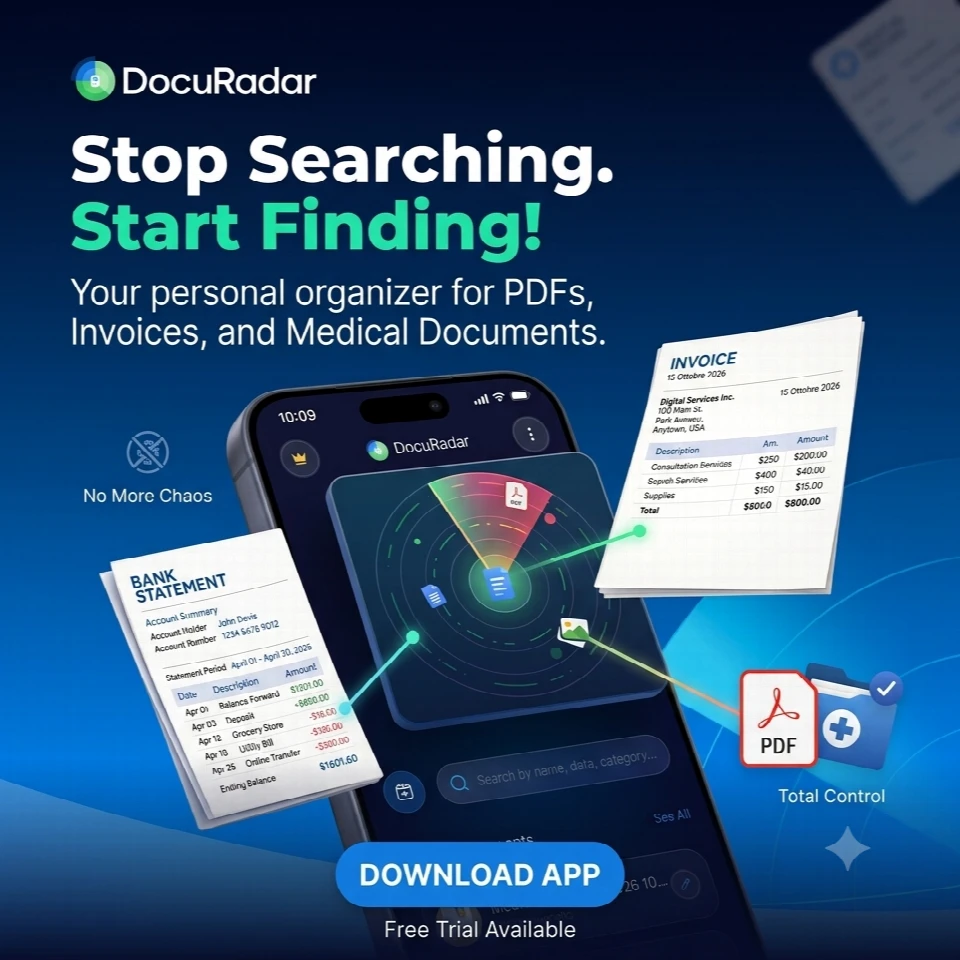
DocuRadar® is designed around this type of retrieval.
You can search using remembered information rather than requiring perfect knowledge of where the file was stored.


Build a Timeline Gradually
You do not need to scan every medical paper from your entire life immediately.
Begin with current and important records.
As older documents become relevant, add them.
Over time, your archive becomes a personal medical-document timeline.
This can make future retrieval easier when a professional asks about earlier tests, treatments, or reports.
Capture Paper Reports Before They Disappear
Medical records are frequently handed to patients on paper.
Once you return home, that document may enter a drawer and remain there for years.
If it matters, digitize it early.
Check that every page is readable.
Give it a meaningful title.
Save it in Health.
Then you no longer depend entirely on the physical sheet.
Or you can do it with DocuRadar®
Treat Privacy as Essential
Health information is sensitive.
A convenient archive should not mean uncontrolled access.
Use phone security.
Where available, protect the document application with biometric authentication or a PIN.
Be intentional about backup choices and sharing.
DocuRadar’s product philosophy emphasizes local device storage for the core archive and offline operation, giving privacy-conscious users an on-device approach.
Handle Future Dates
Medical documents may contain future appointments or instructions to return after a certain period.
If the date matters, create a reminder.
The document should not become invisible after saving.
DocuRadar® is designed to identify potentially important future dates and offer reminder options.
Do Not Mix Personal Interpretation With Records
Your archive should preserve documents as records.
If you want to add personal notes elsewhere, that can be useful, but avoid changing the original information or creating confusing versions.
The objective is straightforward retrieval of the document you actually received.
Use the Archive During Appointments
One of the major advantages of digital organization is mobility.
If a professional asks whether you have an earlier report, you do not necessarily need to go home and search through folders.
If the record is in your organized archive, you can locate it from your phone.
That is when good naming and search become genuinely useful.
Include Medical Receipts Separately if Needed
Some users may want health records and healthcare expenses separated.
Others may prefer everything connected to a treatment in one place.
Choose what matches your actual use.
The system should help you think less, not create more filing decisions.
Organize Family Records Carefully
If you manage documents for children, older parents, or other family members, make the person associated with the document obvious.
A filename might include the person’s name.
For example:
Emma - Dental Report - 2026
This reduces confusion when several family members use the same healthcare provider.
Keep the System Sustainable
A medical archive only remains useful if new documents are added consistently.
Create a simple rule.
If a health document may matter later, capture it before it disappears into the house.
Your future self may not remember when or where the document originated.
But with a searchable archive, remembering one detail may be enough to bring it back.
Medical documents can become important years after they were created. A routine blood test, examination, or specialist report may be needed for future appointments or treatments. Keeping your records organized in a searchable archive like DocuRadar makes it easier to retrieve important medical information whenever you need it.
Start by creating a single Health category for your medical documents. You can add subcategories for medical specialties, family members, or document types as your archive grows. With DocuRadar, you can keep your documents organized without creating an unnecessarily complicated filing system.
Use clear, descriptive filenames that include information you are likely to remember, such as the document type, doctor's name, body part, or year.
For example:
Blood Test - March 2026
Cardiology Report - Dr Anderson - 2026
Dental Invoice - Dr Smith
Orthopedic Report - Left Knee - 2026
Meaningful filenames make records easier to recognize, while DocuRadar's search approach helps you find documents even when you cannot remember their exact names.
No. Always preserve the original content of your medical records. You can rename files and organize them into categories, but the documents themselves should remain complete and readable. Keep multi-page reports together and include both sides when necessary.
You can search using details you remember, such as a doctor's name, medical specialty, examination type, or keywords like "knee," "heart," or "blood."
DocuRadar is designed around content-based document retrieval, helping you find records using remembered information rather than requiring exact filenames or folder locations.
No. Start with your most recent and important medical documents, then gradually add older records when they become relevant. By adding documents to DocuRadar over time, you can build a personal medical-document timeline without having to digitize everything at once.
Digitize important paper reports as soon as possible. Check that every page is clearly readable, give the document a meaningful name, and save it in your Health category.
Keeping digital copies in an archive such as DocuRadar reduces your dependence on physical paperwork that might otherwise get lost or forgotten.
Use your phone's security features and, where available, protect your document application with biometric authentication or a PIN. Be intentional about how medical information is backed up and shared.
DocuRadar emphasizes local device storage and offline operation for its core archive, offering a privacy-conscious approach to organizing sensitive health documents.
Yes. If a medical document contains an upcoming appointment, examination, or follow-up date, creating a reminder can help you remember it.
DocuRadar is designed to identify potentially important future dates within documents and offer reminder options, helping ensure that important information does not get forgotten after being saved.
You can keep personal notes separately, but avoid modifying the original medical documents. Preserving records exactly as received helps prevent confusion and ensures that the original medical information remains available when needed.
es. A digital medical archive makes it possible to retrieve stored records directly from your phone.
With DocuRadar, you can search your archive using information you remember, making it easier to locate previous blood tests, examination results, or specialist reports when a healthcare professional requests them.
It depends on your preferences. You can store medical invoices and receipts alongside related treatments or organize them separately from clinical records.
The important thing is to choose a structure that makes retrieval simple. DocuRadar's document organization and search approach can help you manage different types of healthcare paperwork without relying entirely on complex folder structures.
Make sure each document clearly identifies the person it belongs to. You can create separate categories or include the person's name in the filename.
For example:
Emma - Dental Report - 2026
This reduces confusion when managing medical records for children, parents, or multiple family members. A searchable archive like DocuRadar can also make it easier to locate documents associated with a particular person.
Adopt a simple habit: whenever you receive an important medical document, digitize it, give it a recognizable name, and save it in your archive.
By consistently adding new records to DocuRadar, you can gradually build a more complete and searchable medical-document history without creating additional administrative work.
A digital medical archive helps you reduce paper clutter, preserve important records, and retrieve information when you need it.
With an approach like DocuRadar's, which emphasizes searchable documents, on-device storage, offline access, and options for reminders, managing medical paperwork can become a simpler part of your everyday routine.