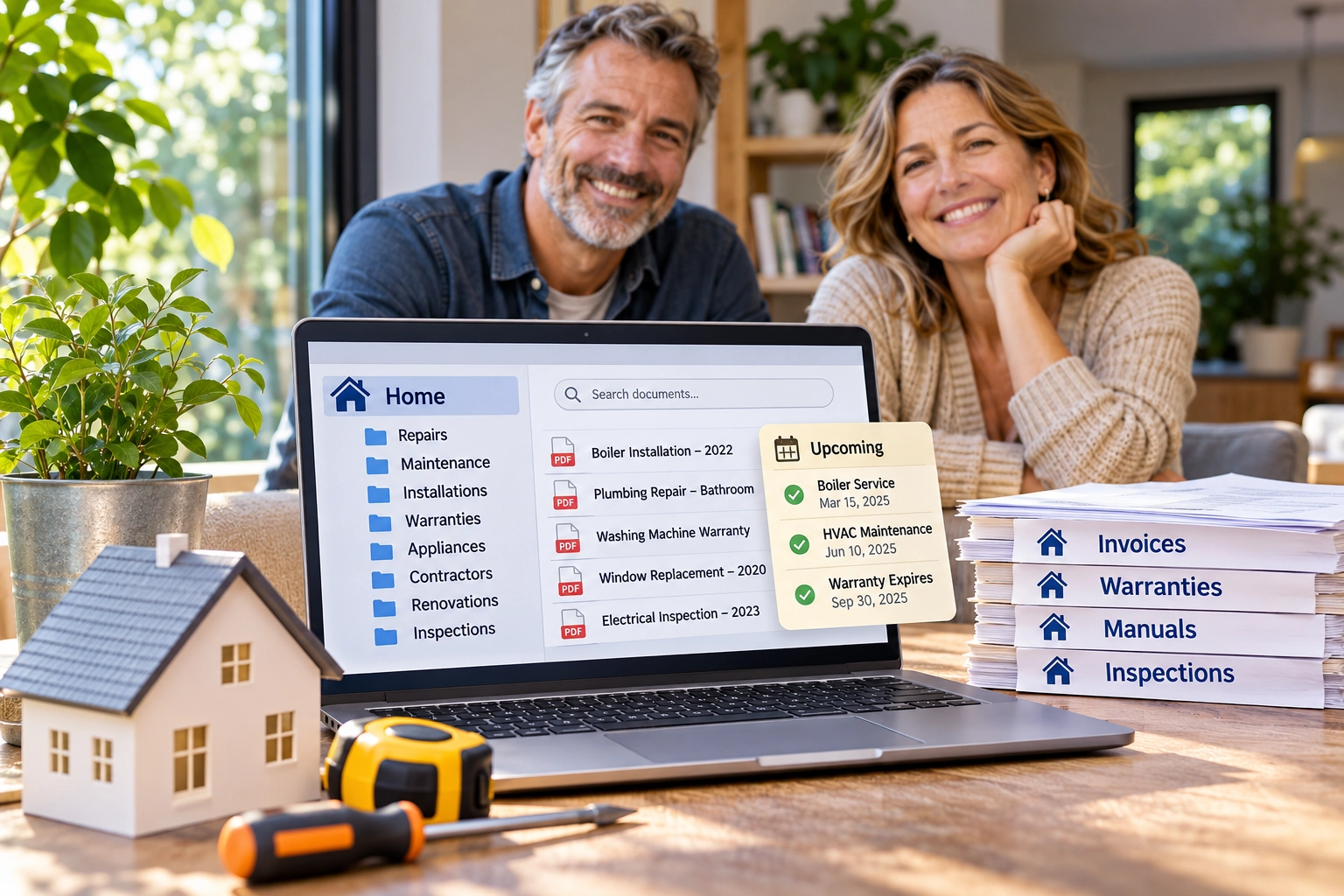
How to Organize Home Maintenance Records
A house has a memory.
Every repair, installation, renovation, inspection, replacement, and service visit adds another piece to its history.
The problem is that this history is usually scattered.
One invoice is in an email.
Another is inside a physical folder.
A plumber sent a receipt through WhatsApp.
The boiler documentation is in a drawer.
The electrician’s invoice is somewhere in Downloads.
Five years later, somebody asks what work was completed and by whom.
You remember the event.
You do not remember the document.
A home-maintenance archive solves this.
Create a Dedicated Home Category
Keep documents associated with the property in one broad Home category.
This may include plumbing, electrical work, heating, cooling, doors, windows, appliances, renovation, insurance, maintenance, contractors, and structural work.
If the archive grows large, create subcategories.
But begin with one location.
Save Contractor Information
A repair invoice is not only proof of payment.
It can also tell you who performed the work.
Years later, you may remember “the plumber who fixed the downstairs bathroom” but not the company name.
A searchable archive preserves that context.
Where possible, use meaningful names that include the contractor or type of work.
Track Major Installations
Some home systems remain in place for many years.
Keep paperwork related to installation, service, warranty, and maintenance.
This builds a lifecycle record.
If the system needs attention later, earlier documents may provide useful context.
Store Warranty Documentation
Home appliances and installed equipment often generate multiple documents.
Receipt.
Warranty.
Manual.
Service record.
Rather than scattering them, keep the important documents logically associated.
A searchable name might include the appliance and year.
Add Relevant Future Dates
Home documents can contain maintenance or inspection dates.
If you need to remember something later, do not leave that information buried in a PDF.
Create a reminder.
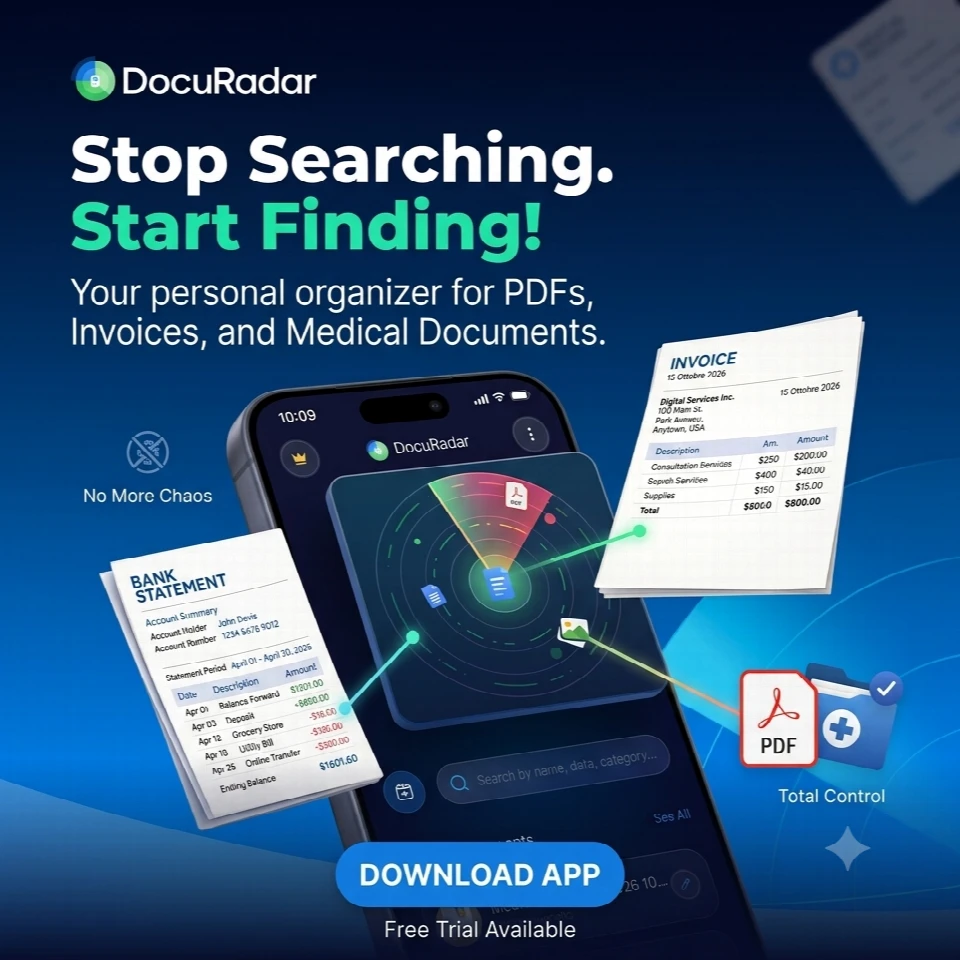
DocuRadar® is designed to identify potentially relevant future dates and let users choose whether notifications should be created.


Photograph Paperwork at the Source
If a contractor hands you an invoice or work report, scan it while the context is fresh.
You know exactly what the work was.
You know which room.
You know the company.
This is the easiest moment to organize the record.
Import Email Documents Too
Not every home document is physical.
Many arrive digitally.
Import relevant PDFs or saved files into the same Home archive.
The objective is to unify information regardless of origin.
Search by Memory
Imagine trying to find paperwork for a door installed six years ago.
Perhaps you remember the company.
Maybe you remember “front door.”
Maybe “lock.”
Maybe the street name appears on the invoice.
A content-oriented document system gives you several paths back to the record.
DocuRadar® is built around this principle.
Create a Property History
Over several years, a Home category becomes more than storage.
It becomes a history of investment and maintenance.
You can see when work occurred, who performed it, and what documentation exists.
That can simplify your own future planning because information no longer depends entirely on memory.
Keep Sensitive Documents Protected
Property documents may contain addresses, financial information, signatures, or personal details.
Treat them accordingly.
Use appropriate device security and share them only with people who genuinely need access.
Avoid Overcategorization
Do not create thirty folders for thirty types of repair unless the volume justifies it.
Search and meaningful names often eliminate the need for excessive folder structures.
A clean Home category with strong search may be easier than a complicated hierarchy.
Build the Archive One Repair at a Time
You do not need to reconstruct the entire history of your property in a weekend.
Start now.
The next time work is completed, save the document properly.
Then add older records when you encounter them.
Five years from now, you will have an archive simply because you followed one small habit consistently.
Keeping home maintenance records helps you track repairs, installations, renovations, warranties, and service visits. It creates a reliable history of your property and makes important information easier to retrieve when needed.
You should keep contractor invoices, repair receipts, installation documents, warranties, inspection reports, appliance manuals, renovation paperwork, and maintenance records
Start by creating a dedicated Home category where you can store all property-related documents. Add subcategories only when necessary, and use meaningful document names to make searching easier.
Digitize your contractor invoices and include relevant information such as the company name, type of repair, and year. This makes it easier to identify who completed the work, even years later.
Yes. Old repair receipts can provide valuable information about previous work, replacement parts, contractors, and maintenance history. They may also be useful when planning future repairs or selling your property.
Keep receipts, warranties, manuals, and service records associated with each appliance. Using descriptive document names that include the appliance type, brand, or installation year can simplify retrieval.
Create reminders for scheduled maintenance, inspections, warranty expirations, and other important dates. DocuRadar is designed to identify potentially relevant future dates within documents and let users choose whether to create notifications.
Yes. You can scan physical paperwork and import digital documents, including PDFs received by email, into the same home maintenance archive. This reduces fragmentation and makes information easier to manage.
A content-oriented document management system like DocuRadar allows you to search using information you remember, such as a contractor's name, an appliance brand, an address, or the type of repair performed.
Not necessarily. A single Home category combined with meaningful document names and effective search functionality is often sufficient. Create additional categories only when they provide a practical benefit.
Use appropriate device security, protect access to your digital archive, and avoid sharing documents containing personal, financial, or property information with unauthorized individuals.
Start with new documents and gradually add older records whenever you encounter them. Building a home maintenance archive is easier when it becomes a consistent habit rather than a one-time project.
A digital property history helps you understand when work was completed, who performed it, and which systems have been repaired or replaced. It can also support future maintenance planning and property-related decisions.
DocuRadar helps you bring scanned paperwork and digital documents together in a searchable archive, organize property-related records, retrieve information through document content, and identify potentially important future dates for reminders.