
How to Track Document Expiration Dates
Some documents are easy to forget precisely because nothing appears to happen for months or years.
You receive a licence.
A contract.
An insurance document.
A certification.
A maintenance report.
You store it.
Life continues.
Then one day the date matters.
The challenge is that documents are good at preserving information but terrible at reminding you to act.
A better system connects the document with its deadline.
Identify Date-Based Documents
Start by identifying the records in your life where time matters.
Identity documents.
Driving licences.
Contracts.
Insurance.
Vehicle inspections.
Home maintenance.
Service schedules.
Memberships.
Appointments.
Payments.
Certifications.
Not every date needs a reminder.
Focus on dates that require action.
Do Not Depend on Memory
“I’ll remember” works until it does not.
A date six months away has little urgency today.
That is why it disappears from attention.
Create the reminder when you first process the document.
At that moment, the context is clear and the document is already in front of you.
Keep the Reminder Connected to the Record
A calendar reminder saying “renew it” is not very useful if, months later, you cannot remember what “it” refers to.
Use descriptive reminder titles.
Better:
Driving licence renewal
Home heating inspection
Insurance renewal
Where possible, keep the reminder conceptually connected with the original document.
Let Technology Identify Dates
Manually reading every document for deadlines is possible, but automation can reduce friction.
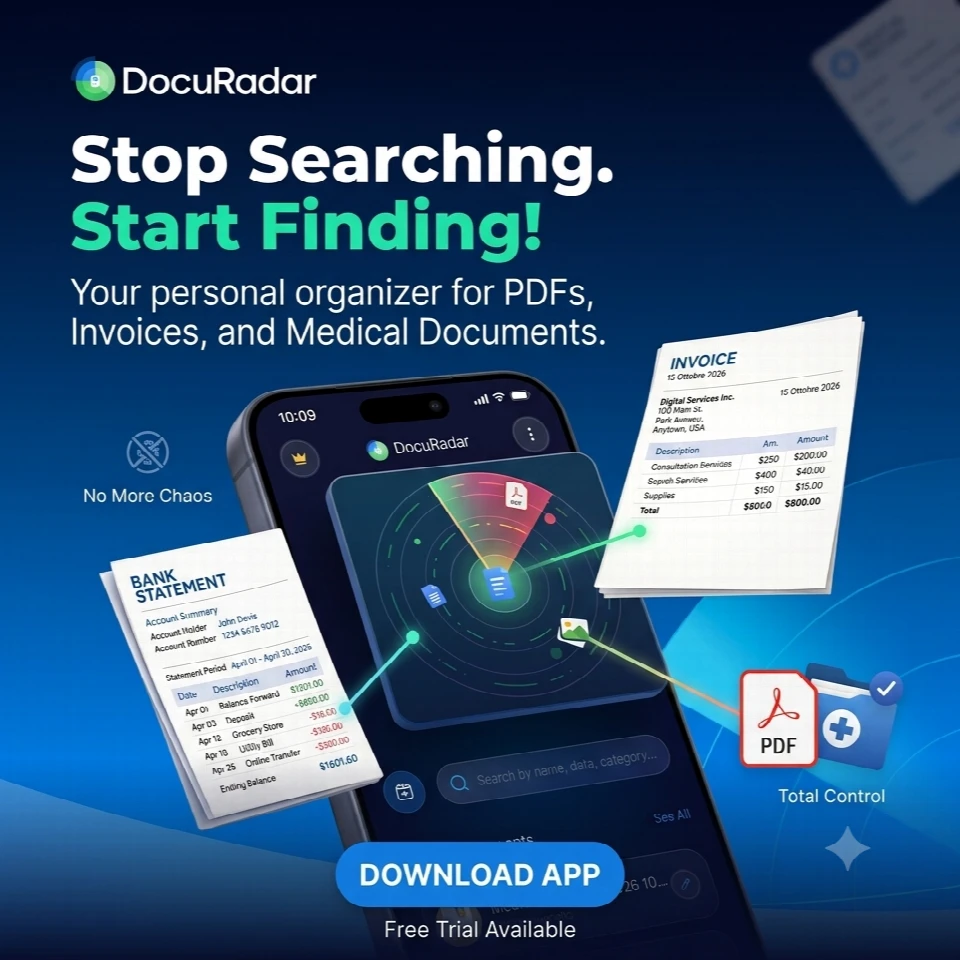
DocuRadar® is designed to analyze documents for potentially relevant future dates and let the user decide whether a reminder should be activated.
The user remains in control.


Choose the Right Lead Time
Different deadlines require different preparation.
One day may be enough for a simple task.
A week may be more appropriate for a renewal.
Some obligations may require more preparation.
Choose reminder timing based on the action required rather than applying the same setting to everything.
DocuRadar’s concept includes options such as reminders before the relevant date.
Use More Than One Reminder When Necessary
For important deadlines, one notification may be easy to miss.
If your workflow allows it, create an earlier reminder for preparation and a later one for final action.
For example:
One month before: start renewal.
One week before: confirm completion.
The objective is not to generate notification noise.
It is to create enough time to act comfortably.
Review Date-Based Documents Periodically
Occasionally browse documents with active deadlines.
This can reveal upcoming obligations before they become urgent.
It also helps you remove reminders associated with documents that are no longer relevant.
Do Not Turn Everything Into an Alert
If every date creates a notification, notifications lose meaning.
A date printed on a document is not automatically a deadline.
Ask:
Will I need to do something because of this date?
If yes, create the reminder.
If no, leave it as information.
Use Search to Find the Source Document
When a notification appears months later, you may want the original document.
That is why reminder management and document organization should work together.
Search by title, category, or remembered information.
The deadline tells you when to act.
The archive gives you the information required to act.
Reduce Administrative Stress
Missing deadlines is stressful not only because of the deadline itself.
It creates surprise.
Good organization removes surprise.
You may still need to renew a document or arrange an inspection, but you know about it before it becomes urgent.
That is a much better relationship with paperwork.
Make Dates Part of Document Management
Traditional filing systems focus on storage.
Modern document management should also recognize time.
Some files are static records.
Others represent future obligations.
Treating both identically misses an opportunity.
When you save an important document, ask one extra question:
“Is there anything in here I will need to remember later?”
If the answer is yes, create the reminder immediately.
That small habit can prevent a large amount of future frustration.
Documents are excellent at preserving information but terrible at reminding you to act. A licence, insurance policy, contract, or certification may remain untouched for months or years until an important deadline approaches.
Connecting documents with their deadlines helps prevent missed renewals, unexpected obligations, and unnecessary administrative stress.
Common documents and records that may require reminders include:
Identity documents
Driving licences
Contracts and agreements
Insurance policies
Vehicle inspections
Home maintenance records
Service schedules
Memberships and subscriptions
Appointments
Payment deadlines
Professional certifications
Focus on dates that require an action rather than every date printed on a document.
Create a reminder as soon as you receive, scan, or organize a document containing an important deadline.
At that moment, the information is available and the context is clear. Relying on memory alone becomes increasingly unreliable as the deadline moves further into the future.
Use clear and descriptive reminder titles that immediately explain what action is required.
For example:
Driving licence renewal
Home heating inspection
Car insurance renewal
Professional certification renewal
Avoid generic titles that may become difficult to understand months later.
Yes. Intelligent document management tools can help identify potentially relevant dates without requiring users to manually review every document.
DocuRadar is designed to analyze documents, identify potentially relevant future dates, and allow users to decide whether to activate a reminder.
The technology identifies the opportunity. The user remains in control.
The ideal reminder timing depends on the action required.
One day before: Simple tasks or appointments.
One week before: Routine renewals or administrative obligations.
One month before: Important renewals or procedures requiring preparation.
Several months before: Complex obligations requiring documentation or advance planning.
DocuRadar's concept includes options for activating reminders before the relevant date, allowing users to prepare in advance.
Yes. When your workflow supports multiple reminders, they can be particularly useful for important obligations.
For example, you could create a reminder one month before a document expires to begin the renewal process and another one week before to confirm completion.
The objective is to provide sufficient preparation time without creating unnecessary notification noise.
Reviewing date-based documents periodically is a useful organizational habit.
Regular reviews help you identify upcoming obligations, prepare for renewals, and remove reminders associated with documents that are no longer relevant.
This allows you to manage deadlines proactively rather than reacting to urgent situations.
No. Not every date represents a deadline or requires an action.
Before creating a reminder, ask yourself:
Will I need to do something because of this date?
If the answer is yes, create a reminder. Otherwise, keep the date as part of the document's information.
Too many unnecessary notifications can make genuinely important reminders easier to overlook.
Reminder management and document organization should work together.
A well-organized digital archive allows you to retrieve the original document by searching for its title, category, or relevant information.
The reminder tells you when to act. The document provides the information you need to act.
Missing deadlines creates stress because it introduces unexpected and often urgent obligations.
Tracking important dates in advance helps eliminate surprises, gives you more preparation time, and reduces the risk of forgetting renewals, inspections, payments, or other responsibilities.
You still need to complete the task, but you can do so before it becomes urgent.
Traditional filing systems focus primarily on storing and retrieving information. Modern document management should also recognize the importance of time.
Some documents are static records, while others represent future obligations. Managing both in exactly the same way overlooks an opportunity to simplify everyday life.
Connecting documents with relevant reminders transforms a passive archive into a more proactive organizational system.
DocuRadar is designed to bring document organization and deadline awareness together.
By analyzing documents for potentially relevant future dates and allowing users to activate reminders, DocuRadar aims to reduce the manual effort involved in managing personal paperwork while keeping users in control of their notifications.
Whenever you save, scan, or organize an important document, ask yourself one additional question:
Is there anything in this document that I will need to remember later?
If the answer is yes, create a reminder immediately.
This small habit can prevent missed deadlines, reduce administrative stress, and make document management more effective over time.